
Kling Image O3AI image generator
Up to 4K, multi-image references. Pay only for the takes you keep — kill the rest for a full refund.
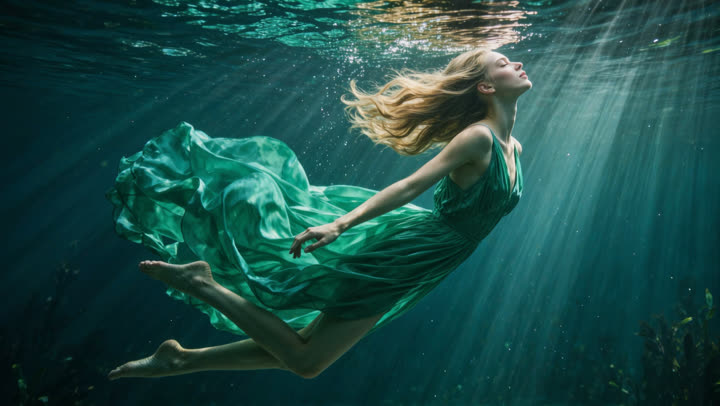
Kling Image O3 is Kling (Kuaishou)'s AI image model for text-to-image and image editing. On Elyum it goes up to 4K with multi-image references and eight aspect ratios, so you can hold a face, product, or style across a set of stills.
It is a fit for art directors, product teams, and anyone who needs reference-locked stills or edit passes and only wants to pay for the frames they keep.
Kling Image O3 pricing on Elyum
| Resolution | Credits / render | USD |
|---|---|---|
| 1K | 4 | $0.04 |
| 2K | 6 | $0.06 |
| 4K | 8 | $0.08 |
1 credit = $0.01. The struck-through number is the pre-cut rate — the discount is already in the live price. You only pay for takes you keep; previews and killed takes cost nothing. Full plan details on the pricing page.
Why Kling Image O3 is good
Kling Image O3 on Elyum renders at 1K, 2K, or 4K. Use the higher modes when the file has to hold up in a layout, a deck, or a print-adjacent export.
Attach multiple stills to lock a character, product, or look. The model is built for reference-driven sets, not one-off one-prompt luck.
Start from a prompt or revise an existing frame. The same model covers generation and image editing, so you stay in one studio instead of hopping tools.
Pick from eight aspect ratios on Elyum so the same brief can ship as a square post, a story, or a wide key frame without a separate crop pass.
Every take is a free preview. Keep the ones that work and kill the rest for a full refund. Nobody else refunds bad generations.
Kept takes download at full quality with no watermark. Commercial use is included on Elyum, so the file you keep is the file you can ship.
Why generate with Elyum?
- Pay only for what you keep — full refund on kills.
- Every top image model in one place, one balance.
- Rates ~20% under comparable platforms.
- Kept files download clean and full quality — no watermark, commercial use included.
- Works from the studio, or from Claude, ChatGPT and Cursor via MCP.
- Free plan — our algorithm may grant you 100 credits, no card required.
How it works
- Create a free Elyum account. The Free plan includes up to 100 credits (our algorithm may grant them).
- Open the image studio and choose Kling Image O3.
- Write a prompt, pick 1K, 2K, or 4K and an aspect ratio, and attach reference images if you need a match.
- Generate a free preview. Keep the take to download it, or kill it for a full refund.
- For an edit, attach the source image, describe the change, preview again, and keep only the revision that works.
What people make with it
- 4K campaign and key-art stills from a written brief
- Character or product sheets that stay consistent across several reference images
- Portrait, fashion, and lifestyle frames in any of the eight aspect ratios
- Edit passes that restyle, fix, or revise an existing still
- Storyboard and look-dev frames before a video pass
- Marketplace and pack-shot images that have to match a physical product
Frequently asked questions
Is Kling Image O3 free to try?
How much does Kling Image O3 cost on Elyum?
Can Kling Image O3 edit images as well as generate them?
Does Kling Image O3 support 4K and reference images?
Can I use Kling Image O3 images commercially?
How is Elyum different from running Kling Image O3 elsewhere?
More models to try
Create everything. Keep the best.
Kling Image O3 and 50+ other top models on one balance. Every render is a free preview — pay nothing for the rest.