
PixVerse vs Elyumfor Seedream 5 Pro
PixVerse bills every Seedream 5 Pro attempt at an unpublished credit price, while Elyum charges only when you keep a take.

Seedream 5 Pro is ByteDance's stills model for locked faces and scenes that obey spatial logic. It does text-to-image and image editing. The Seedream 5 Pro page frames that as consistent people, logical scenes. In practice that means the same wardrobe across a set, a table that stays on the correct side of a window, a hand that holds one object instead of growing a second. It slips when you dump style words and hope a composition appears. Write the camera, the furniture, and who stands where.
What changes is the bill, not the weights. On PixVerse (the PixVerse alternative), Seedream 5 Pro sits in a licensed catalog next to PixVerse V6. You pay per attempt. Unused free daily credits die at 00:00 UTC, and third-party pricing guides report paid monthly credits as non-rolling. On Elyum, every render comes back as a free preview. Credits move only when you keep a take. Killed takes refund in full. Failed generations are never charged. Elyum pricing already sits about 20% under Higgsfield, OpenArt, and Runway anchors. PixVerse does not publish a Seedream 5 Pro credit price.
PixVerse is the better desk if your day is short-form video and Seedream is only the stills step. Staying in one tab is faster than bouncing tools. Elyum has no timeline editor, no stock footage, no avatars, no mobile app, and no team seats. For the same model against other stills desks, see OpenArt vs Elyum for Seedream 5 Pro.
Seedream 5 Pro on PixVerse
PixVerse offers Seedream 5 Pro. Official PixVerse blog content places the Seedream family, including 5.0 Pro, next to Nano Banana Pro, so the model is in the catalog. The free tier is 90 signup credits plus 60 credits/day that reset at 00:00 UTC. It restricts premium and third-party models, watermarks output, and lowers resolution. Paid access starts at Standard ($10/mo, 1,200 credits, up to 720p). Pro is $30/mo and 6,000 credits. Premium is $60/mo and 15,000. Ultra is $199/mo and 25,000. PixVerse does not publish the credit price for a Seedream 5 Pro image.
A bad Seedream 5 Pro take still costs a generation on PixVerse. No official refund or retry-credit policy appears on PixVerse's own site. A Trustpilot reviewer wrote that they were charged credits for generations that completely ignored the prompt. Paid plans remove the watermark. Commercial-use terms were not confirmed on an official PixVerse terms page. Monthly credits are widely reported as non-rolling. Somake AI's 2026 pricing guide describes annual billing as pre-selected by default at signup.
Seedream 5 Pro on Elyum
On Elyum, Seedream 5 Pro is priced per render, not as a resolution ladder: 4 credits ($0.04). That is the keep price. The preview is free. You run the job, look at the take, then keep it (credits leave the balance) or kill it (full refund, automatic). A failed generation is never charged. Free accounts can kill once a month. Plus ($9/mo), Pro ($29/mo), and Ultra ($69/mo) kill freely. Kept files download clean, with no watermark and commercial use included. 1 credit equals $0.01.
You can run it from the web studio or from Claude, ChatGPT, and Cursor through Elyum's MCP server and the REST API. Same weights. Same keep/kill. Pro and Ultra include fair-use unlimited image generation on selected image models. This page does not treat Seedream 5 Pro as one of those unlimited SKUs. Monthly plans and credit top-ups are listed on the pricing page.
What a Seedream 5 Pro take costs
| Scenario | PixVerse | Elyum |
|---|---|---|
| One render you keep | Not published | 4 credits ($0.04) |
| Ten renders, keep three | Charged for all ten (rate not published) | 3 × 4 credits = 12 credits ($0.12) |
| A failed generation | Credits charged (user-reported; no official refund) | Never charged |
| Monthly plan to access the model | Free restricts third-party models; Standard $10/mo | Free plan, up to 150 credits once (our algorithm may grant them), no card |
| Watermark on the download | Free: yes. Paid: no | None on kept takes |
| Commercial-use license | Not confirmed on an official PixVerse terms page | Commercial use included on kept takes |
Elyum: 1 credit = $0.01, charged only when you keep a take. PixVerse figures from its own pricing pages and independent reviews, verified 2026-09-07; sources at the end. Full rate card on the Seedream 5 Pro page.
Where the two differ
PixVerse charges credits per generation attempt. Elyum charges 4 credits ($0.04) only when you keep the take. Previews cost nothing.
PixVerse has no official written refund policy. Trustpilot reviewers report charges on ignored prompts and failed outputs. On Elyum, a kill refunds the take in full. Failed jobs are never billed.
PixVerse Standard is capped at 720p. Premium and Ultra go to 4K. Free output is lower-res and watermarked. Elyum prices Seedream 5 Pro per render and does not publish a resolution ladder for this model.
PixVerse sells a separate Enterprise/API track. Third-party sources cite an Essential tier around $100/mo for 15,000 API credits, plus a CLI/skills product. Elyum exposes the same studio models over MCP and REST.
PixVerse is built for short-form video (V6 with native audio, C1 and R1 for character work) with Seedream as a licensed stills model in that hub. Elyum is one studio and one credit balance across 50+ models, with no timeline editor, stock footage, avatars, or mobile app.
Paid PixVerse plans remove watermarks. Official commercial-use terms were not confirmed. Elyum kept takes have no watermark and include commercial use.
Pick PixVerse when
- You already generate social video on PixVerse V6, C1, or R1 and want Seedream 5 Pro in the same tab.
- The free allotment (90 signup credits plus 60/day) lets you poke at the catalog without a card.
- The CLI/skills product is useful if your agents already talk to PixVerse.
- You want a video-first hub with Seedance, Kling, Veo, and Seedream licensed in one interface.
Pick Elyum when
- You only pay 4 credits ($0.04) when you keep a take. Kills refund. Failures are free.
- The Seedream 5 Pro rate is published. PixVerse does not list one.
- MCP and REST let you run the same keep/kill flow from Claude, ChatGPT, or Cursor.
- One credit balance (1 credit = $0.01) across 50+ models, and kept files have no watermark.
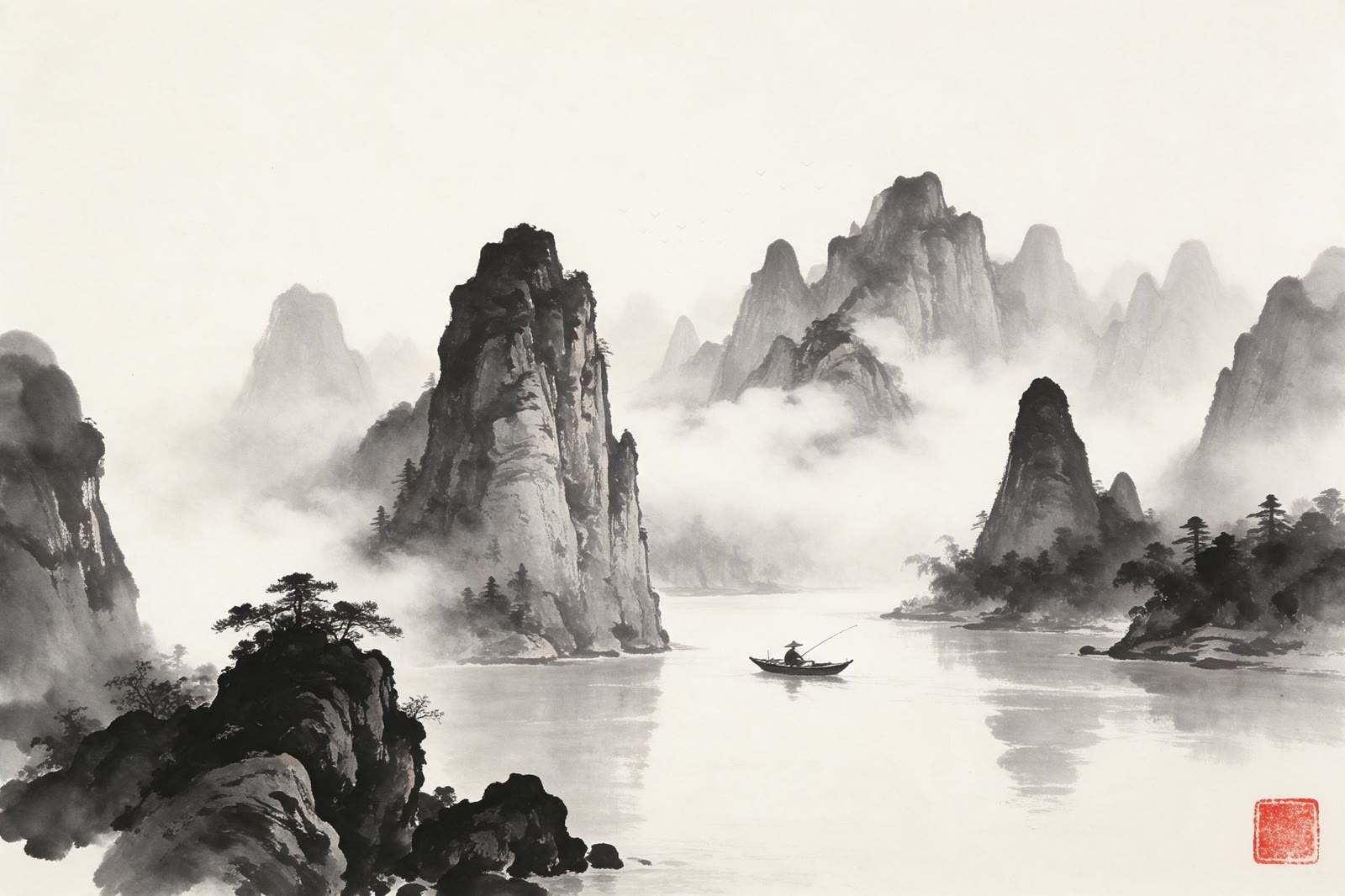
Seedream 5 Pro in three styles, rendered on Elyum

Getting the most out of Seedream 5 Pro
- Name the person once, then lock hair, age, and wardrobe in the same nouns every take. Seedream 5 Pro holds identity when those tokens stay stable. Changing 'blue coat' to 'navy jacket' mid-set is how faces drift.
- Write spatial logic as relations, not vibes. 'Window left, oak table in the foreground, subject three-quarter to camera' beats a pile of mood words. The model is built for scenes that obey that kind of sentence.
- Use photographic camera language: 35mm for rooms, 85mm for portraits, eye-level or slightly above. Seedream 5 Pro responds to lens and height more reliably than to 'cinematic' as a standalone word.
- For image editing, send one clean reference and name the single change. 'Same face, swap the coffee cup for a paperback, keep the window light.' Two conflicting face refs is how you get a cousin instead of the person.
- Put the aspect ratio in the first clause (3:4 portrait, 16:9 environment, 1:1 product). Seedream 5 Pro will invent a crop if you leave the frame implicit, and that crop is usually not the one you storyboarded.
- Keep on-image text to a few words on a sign or label. Long paragraphs, tiny UI chrome, and five style names in a row are the usual failure modes. Do not ask it to 'fix composition' without saying what moves.
Frequently asked questions
How much does a Seedream 5 Pro image cost on Elyum vs PixVerse?
Is Seedream 5 Pro the same model on both?
What happens to a bad Seedream 5 Pro take?
Do I need a subscription to use Seedream 5 Pro on Elyum?
Does PixVerse watermark Seedream 5 Pro images?
Do unused PixVerse credits roll into next month?
- PixVerse official site (accessed 2026-09-07)
- Nano Banana 2 Now Available on PixVerse (official blog) (accessed 2026-09-07)
- How to Use Gemini Omni Flash on PixVerse (official blog) (accessed 2026-09-07)
- PixVerse Reviews - Trustpilot (accessed 2026-09-07)
- PixVerse: AI Video Generator - Google Play (accessed 2026-09-07)
- PixVerse Pricing (2026): Plans, Credits, Costs Explained - Magic Hour (accessed 2026-09-07)
- PixVerse AI Free Plan Explained — Plus Full Pricing Guide (2026) - Somake AI (accessed 2026-09-07)
- Is PixVerse AI Free? Free Credits & Daily Limits 2026 - AtlasCloud (accessed 2026-09-07)
- PixVerse AI Review 2026 - Lumeflow (accessed 2026-09-07)
Related comparisons
Create everything. Keep the best.
Seedream 5 Pro is a AI image generator you can preview free on Elyum. Keep the takes you love, kill the rest for a full refund.