
SeaArt AI vs Elyumfor GPT Image 2
Elyum bills 6 credits ($0.06) only when you keep a GPT Image 2 take, while SeaArt AI lists the model and does not publish a per-render or kill price.
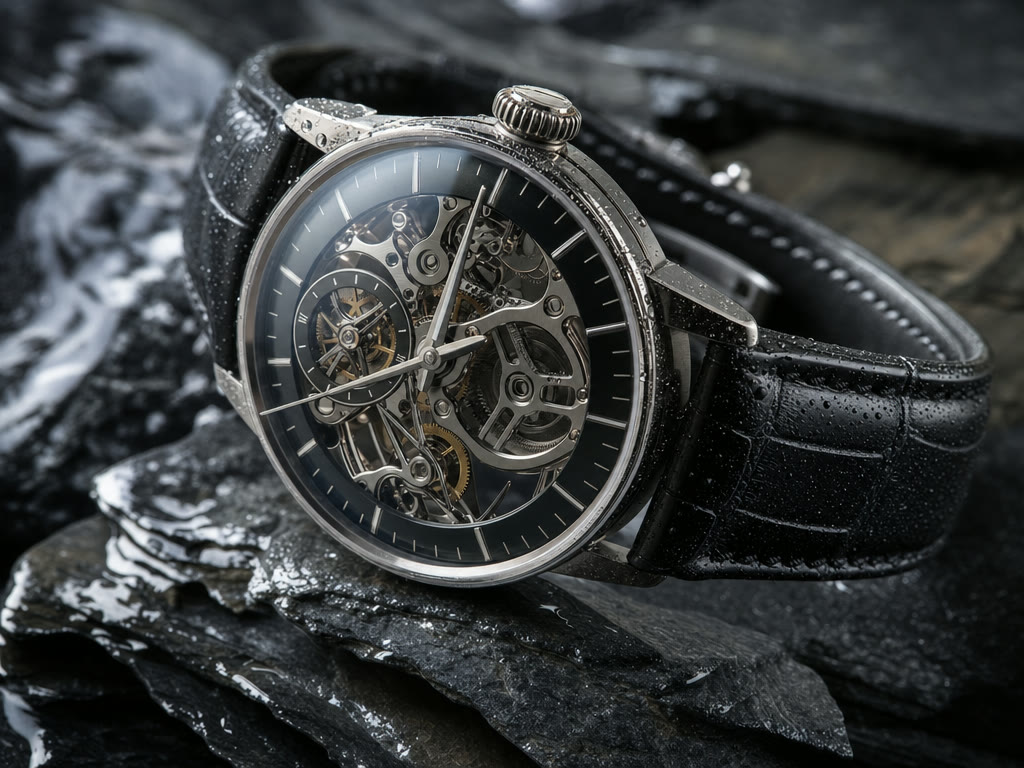
GPT Image 2 is OpenAI's image model, released April 21, 2026 as the engine behind ChatGPT Images 2.0. It is built for instruction-true posters, infographics, UI mockups, comics, and magazine pages, with readable type in English plus Japanese, Korean, Chinese, Hindi, and Bengali. OpenAI called out small text, iconography, and dense layouts as the usual failure points it holds. TechCrunch's first look could put a restaurant menu in a frame without invented words. On Elyum you run it as text to image and image editing. The studio listing is on the GPT Image 2 page.
The model does not change. The checkout does. Elyum charges 6 credits ($0.06) only when you keep a take, kills refund in full, and a failed generation is never billed. SeaArt AI lists GPT Image 2 on the SeaArt AI homepage and meters work through daily Stamina plus purchasable Credits (two-year validity from April 1, 2026). It does not publish a GPT Image 2 unit price or a failed-generation policy. Free SeaArt AI files are watermarked. Paid SVIP is reported watermark-free. Compare plan numbers on Elyum pricing. SeaArt AI's own mall page did not show a complete official price sheet in the September 2026 check.
SeaArt AI still wins if you want community LoRA training, ComfyUI-style node graphs, and a Stamina bucket that refills every day (130 on free, 700 on Standard at $29.99/mo in tooljunction.io tables). Elyum does not have those workflows, a community feed, a timeline editor, stock footage, avatars, a mobile app, or team seats. toolsforhumans.ai relayed long-time paying users frustrated by tighter 2026 content rules after spending significant money. For the broader product gap, read the SeaArt alternative page.
GPT Image 2 on SeaArt AI
SeaArt AI offers GPT Image 2 by that exact name. The research does not say a minimum SVIP tier is required, so do not assume the model is locked behind Standard or Professional. Free accounts get 130 Stamina/day (about 21 images), two task submits, and one concurrent process, with a watermark, per flowith.io and media.io writeups that the official mall page did not fully confirm. Paid SVIP tiers raise daily Stamina and concurrency: Beginner $5.99/mo and 300/day, Standard $29.99/mo and 700/day, Professional $59.99/mo and 2,100/day, Master $149.99/mo, per tooljunction.io.
What GPT Image 2 itself costs on SeaArt AI is not published. Third-party notes put generic standard image generation at about 6 Credits. Cents per credit are unknown, and Credits are a separate wallet from Stamina, with purchased Credits valid two years from April 1, 2026. A bad take policy is not published, so you cannot treat a discard as a refund. Commercial-use terms for SeaArt AI outputs are unpublished. A Scribehow 2026 review title flags subscription and renewal billing as a problem. geniusfirms.com and flowith.io both describe the dual currency as confusing for new users.
GPT Image 2 on Elyum
A GPT Image 2 keep on Elyum is 6 credits ($0.06). You always get a free preview first. Keep the take and 6.4 credits leave the balance. Kill it and we refund that charge in full. Failed generations never bill. On the Free plan, kills are limited to one a month. Plus, Pro, and Ultra kill without that cap. Kept downloads are full quality, watermark-free, and include commercial use. The model supports text to image and image editing across five aspect ratios.
Access does not require a paid plan. Free is up to 150 credits once (our algorithm may grant them) and no card. Plus is $9/mo, Pro $29/mo, Ultra $69/mo, and you can top up. One credit equals $0.01. Pro and Ultra add fair-use unlimited image generation on selected image models. The same credit balance runs in the web studio, through Elyum's MCP server, and through the REST API. If you also compare video stacks, see the Seedance 2.5 comparison.
What a GPT Image 2 take costs
| Scenario | SeaArt AI | Elyum |
|---|---|---|
| One render you keep | Not published for GPT Image 2. Third-party notes put generic standard images at ~6 Credits; cents per credit unknown. | 6 credits ($0.06) |
| Ten renders, keep three | Not published. Seven discarded takes have no stated refund on SeaArt AI. | 3 × 6.4 = 6 credits ($0.06) on paid kills. Free: one kill/month. |
| A failed generation | Not published | $0, never charged |
| Monthly plan needed to access the model | Free 130 Stamina/day exists. Not published as GPT Image 2-gated. Paid SVIP from $5.99/mo (tooljunction.io). | Free plan, up to 150 credits once (our algorithm may grant them), no card |
| Watermark on the file | Yes on free. Paid SVIP reported watermark-free (third-party sources). | None on kept downloads |
| Credit expiry | Purchased Credits from April 1, 2026: valid 2 years. Event Credits: 90 days to 2 years. | Not a published expiry on the keep price of 6 credits ($0.06) |
Elyum: 1 credit = $0.01, charged only when you keep a take. SeaArt AI figures from its own pricing pages and independent reviews, verified 2026-09-07; sources at the end. Full rate card on the GPT Image 2 page.
Where the two differ
SeaArt AI uses daily Stamina (tied to SVIP) plus purchasable Credits. Elyum uses one balance (1 credit = $0.01) and lists GPT Image 2 at 6 credits ($0.06) per keep. SeaArt AI does not publish cents per credit or a GPT Image 2 line item.
On Elyum, a kill refunds in full and a failed generation is never charged. SeaArt AI's failed and bad-generation policy is not published, so a discarded GPT Image 2 take cannot be assumed free.
SeaArt AI watermarks free-tier files. Paid SVIP is reported watermark-free. Commercial use on SeaArt AI is not published. Elyum kept takes have no watermark and include commercial use.
SeaArt AI still has community LoRA training and ComfyUI-style node workflows. Elyum is a single studio plus MCP and API. We do not offer a community feed, timeline editor, or LoRA trainer.
SeaArt AI free: submit 2, process 1. Standard: submit 5, process 3. Professional: 10 / 5. Master: 20 / 15 (third-party tables). Daily Stamina refreshes. Elyum Free is a one-time 150-credit grant, not a daily per-model cap.
SeaArt AI API access is not published in the research. Elyum exposes an MCP server and a REST API. You can drive the same GPT Image 2 keep price from Claude, ChatGPT, or Cursor.
Pick SeaArt AI when
- You want daily-refreshing Stamina (130 on free, 700/day on Standard at $29.99/mo in tooljunction.io tables) instead of a one-time 150-credit grant.
- You need LoRA training and ComfyUI-style node workflows that Elyum does not ship.
- Beginner SVIP at $5.99/mo is a cheaper paid door than Elyum Plus at $9/mo.
- You already generate anime and stylized stills on SeaArt AI and want GPT Image 2 in that same library.
Pick Elyum when
- A keep is 6 credits ($0.06). Previews are free. You can iterate without paying for every miss.
- Kills refund in full. Failed generations never charge. SeaArt AI does not publish the matching policy.
- One credit equals $0.01. No Stamina/Credits split, and kept files have no watermark plus commercial use.
- Same credit balance in the web studio, Claude, ChatGPT, and Cursor via MCP and the REST API.
GPT Image 2 in three styles, rendered on Elyum
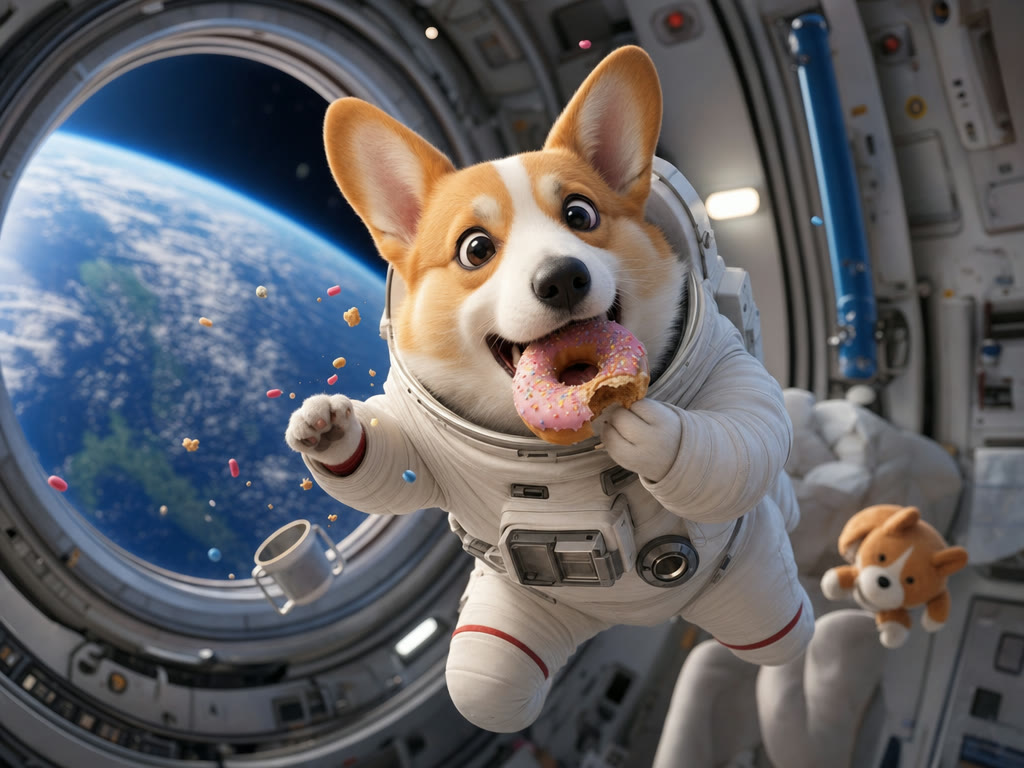
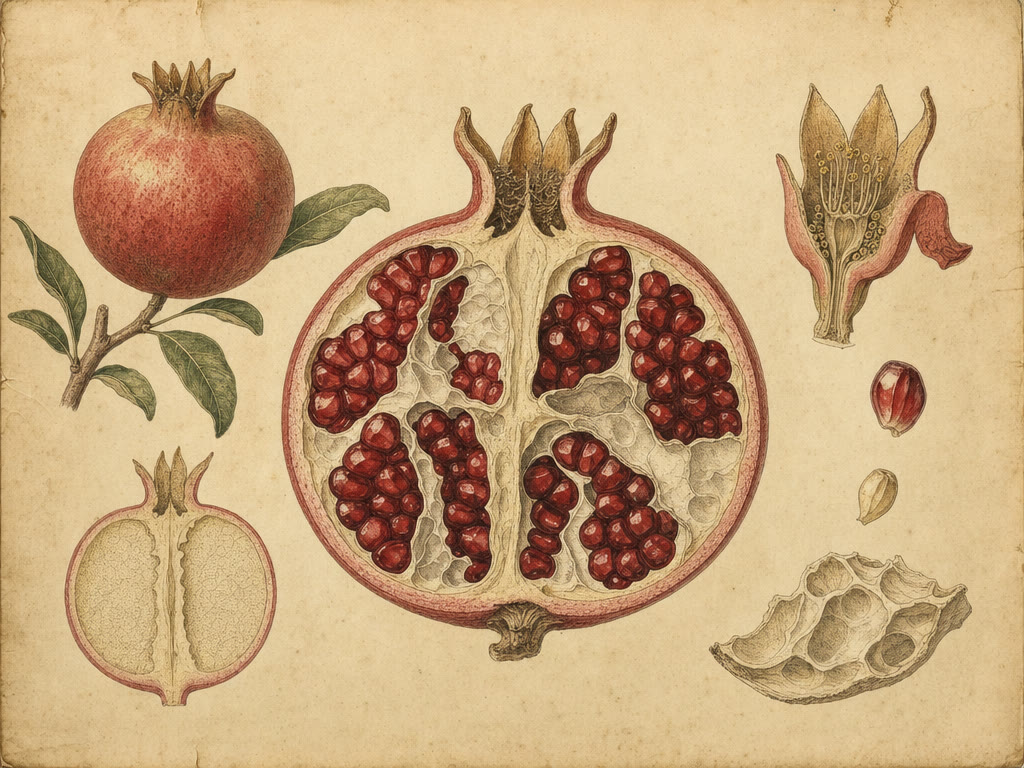
Getting the most out of GPT Image 2
- Put every on-image string in quotes and name the language. GPT Image 2 holds English, Japanese, Korean, Chinese, Hindi, and Bengali. If the legal line must be exact, paste it. Do not say "add some fine print."
- Describe the layout as regions: masthead, three-column menu, footer barcode. Then add "do not invent words, prices, or icons." That is how you keep a menu or UI usable.
- For edits, attach the frame and write two lists: what changes (headline, one object, crop) and what stays (palette, logo, typeface). The model is an editor on Elyum as well as a generator.
- Pick the aspect ratio before you write style. Elyum exposes five aspect ratios for GPT Image 2. A poster prompt forced into the wrong canvas will crowd the type.
- Call one look: photograph, manga, pixel art, or a magazine cover. OpenAI says those holds improved. Mixing several looks in one prompt is how you get a generic render.
- If you need small labels or icon rows, say contrast, size role, and count (six 24px icons, one word each). Dense UI is a strength. A paragraph of microcopy on a busy photo still fails.
Frequently asked questions
How much does a GPT Image 2 image cost on Elyum vs SeaArt AI?
Is GPT Image 2 the same model on both?
What happens to a bad GPT Image 2 take?
Do I need a subscription to use GPT Image 2 on Elyum?
Does SeaArt AI watermark GPT Image 2 files?
Can I run GPT Image 2 from Claude or Cursor?
- SeaArt AI Pricing 2026: Free vs Standard vs Pro Plans (accessed 2026-09-07)
- SeaArt Pricing 2026: Stamina, Credits, and Plan Fit (accessed 2026-09-07)
- SeaArt AI review 2026 — text-to-image & video generation (accessed 2026-09-07)
- SeaArt AI Pricing and Credits Explained (accessed 2026-09-07)
- SeaArt AI Review 2026: Powerful Image Generator With a Billing Problem You Need to Know About (accessed 2026-09-07)
- Pricing of SeaArt AI - Choose Your Perfect Plan (official) (accessed 2026-09-07)
- SeaArt AI official homepage (model list) (accessed 2026-09-07)
Related comparisons
Create everything. Keep the best.
GPT Image 2 is a AI image generator you can preview free on Elyum. Keep the takes you love, kill the rest for a full refund.