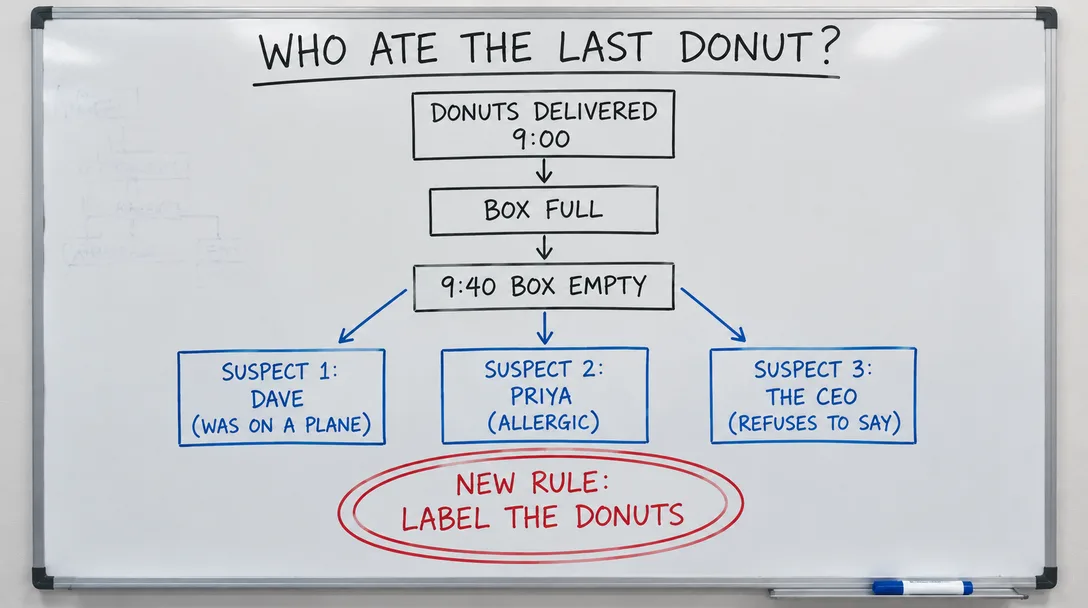
Sample A whiteboard flowchart asking who ate the last donut
OpenAI · Image model
OpenAI's default — fast, natural light, transparent backgrounds. Every render is a free preview. Keep the takes you love, kill the rest for a full refund.
Real GPT Image 2.5 Flare output · untouchedfrom$0.024EGP 1.28per image on Ultra, billed yearly
$0.04EGP 2.14 at the base rate
Made with GPT Image 2.5 Flare
Sample renders made on Elyum.
Sample A whiteboard flowchart asking who ate the last donut
Updated 2026-10-19. 1 credit = $0.01EGP 0.53 at the base rate and as little as $0.0061EGP 0.33 on Ultra, billed yearly; dollar pricesprices show that range, lowest first.
Price calculator
Pick a size.
One image · 1K
4credits
4 credits per image
$0.024EGP 1.28 – $0.04EGP 2.14Ultra, billed yearly → base rate
4credits
$0.024EGP 1.28 – $0.04EGP 2.14Full plan details on the pricing page.
GPT Image 2.5 Flare is OpenAI's image model on Elyum — the studio's default OpenAI pick for text to image and image editing. It is the fast option, with a look that favors natural light and clean transparent backgrounds. Five aspect ratios cover common stills work.
It fits product, brand, and web work where you want OpenAI image quality and the option to edit from a reference. Same credit balance as 50+ video, image, and audio models. Plans: Free (up to 100 credits once if our algorithm grants them), Plus $9EGP 481/mo, Pro $29EGP 1,550/mo, Ultra $69EGP 3,689/mo; credits can also be topped up.
GPT Image 2.5 Flare is Elyum's default OpenAI image model: text to image and image editing without a long wait. Use it when you need a still back quickly and will keep only the takes that work.
Renders favor natural light — the look Elyum ships this model for. That reads well on product pages, ads, and social stills that need to sit next to photographs.
Ask for a transparent background and you get a cutout you can drop on a site, slide, or packshot. Five aspect ratios cover common frames for web and social.
Start from a prompt or attach a reference and edit. Elyum exposes both capabilities for this model, so you can generate a new still or change one you already have.
Every take is a free preview. You pay only if you keep it, at 4 credits ($0.024EGP 1.28 to $0.04EGP 2.14). Kill a miss and the charge is refunded. Kept files have no watermark and include commercial use.
GPT Image 2.5 Flare shares one credit balance with Elyum's other video, image, and audio models. Work from the web studio, or from Claude, ChatGPT, or Cursor via MCP and REST.
Pick a take to see it.
Sample render
A whiteboard flowchart asking who ate the last donut
Made on Elyum through GPT Image 2.5 Flare, kept as it came back.
From prompt to an image you keep. Click a step to see it in the studio.
Create a free Elyum account. The Free plan includes up to 100 credits (our algorithm may grant them); previews do not spend them.
Open the image studio on the web, or connect through Elyum's MCP server or REST API from Claude, ChatGPT, or Cursor.
Pick GPT Image 2.5 Flare. Set one of the five aspect ratios, then write a prompt or attach a reference to edit.
Generate a take. Judge the free preview, then keep the ones you want — credits charge only then — or kill the rest for a full refund.
Download kept takes at full quality with no watermark. Commercial use is included.
Same model, fairer deal. Here's what you get on top of GPT Image 2.5 Flare.
Pay only for what you keep, with a full refund on kills.
✓ Keep · pay 4✕ Kill · +4 backCredits from $0.0061EGP 0.33 each on Ultra, billed yearly.
Every top image model in one place, one balance.
Kept files download clean and full quality: no watermark, commercial use included.
Works from the studio, or from Claude, ChatGPT and Cursor via MCP.
Free plan: our algorithm may grant you 100 credits, no card required.
See pricingTry GPT Image 2.5 FlareGPT Image 2.5 Flare questions
 GPT Image 2Near-perfect text, strong instruction followingfrom $0.067EGP 3.58 per image
 GPT Image 2.5 SunburstPrecision variant — intricate detail, longer rendersfrom $0.024EGP 1.28 per image
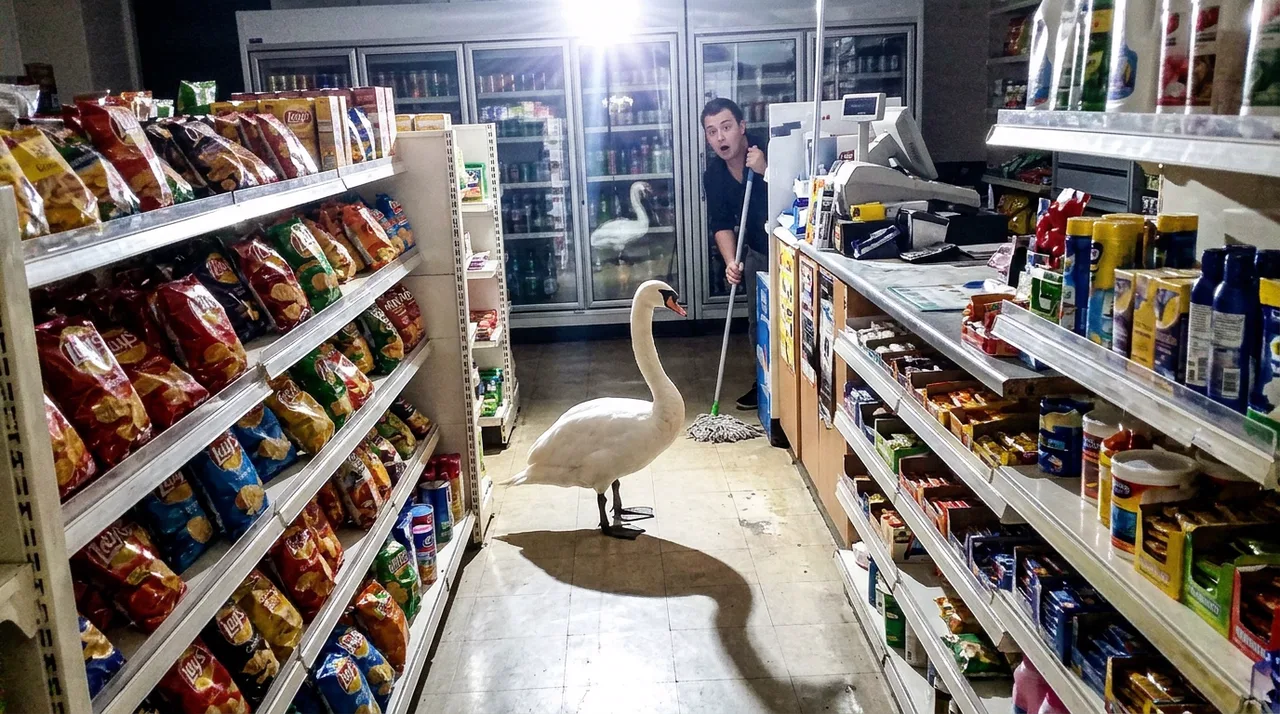 Nano Banana 2.1Google's newest Nano Banana — up to 4K, keeps people and products themselvesfrom $0.037EGP 1.98 per image
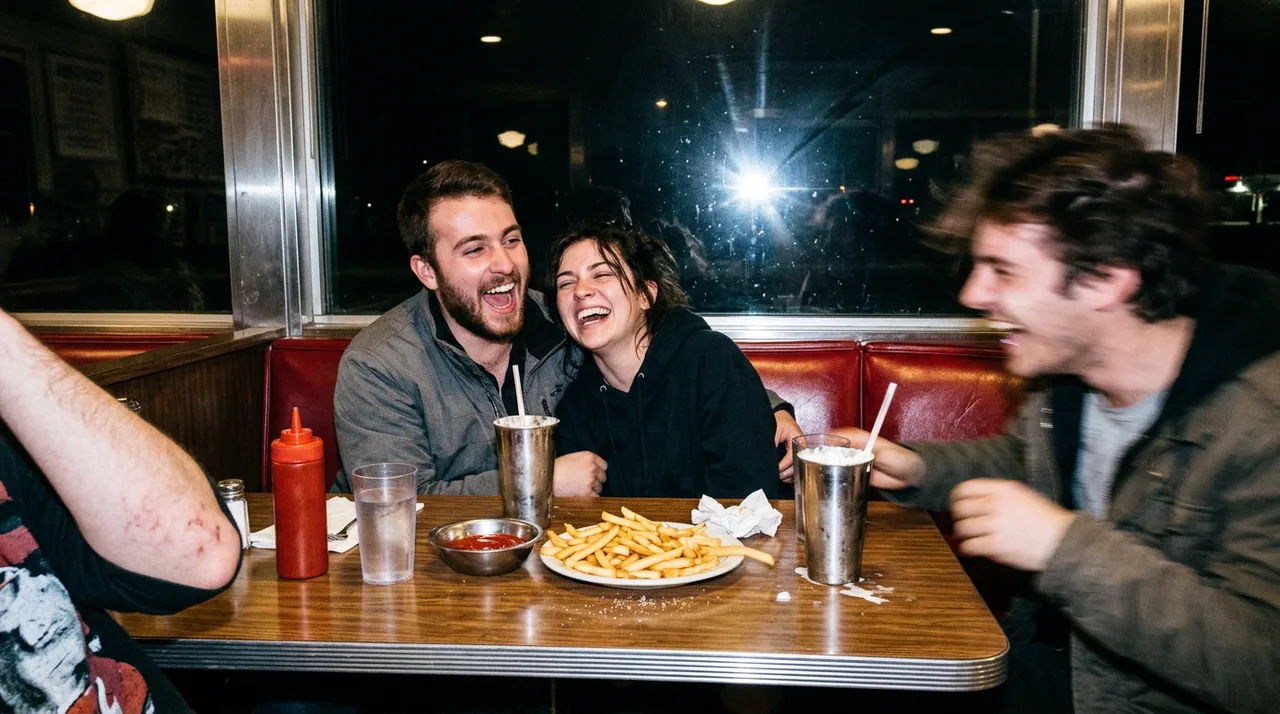 Nano Banana 2Fast, sharp, keeps people and products exactly themselvesfrom $0.024EGP 1.28 per image
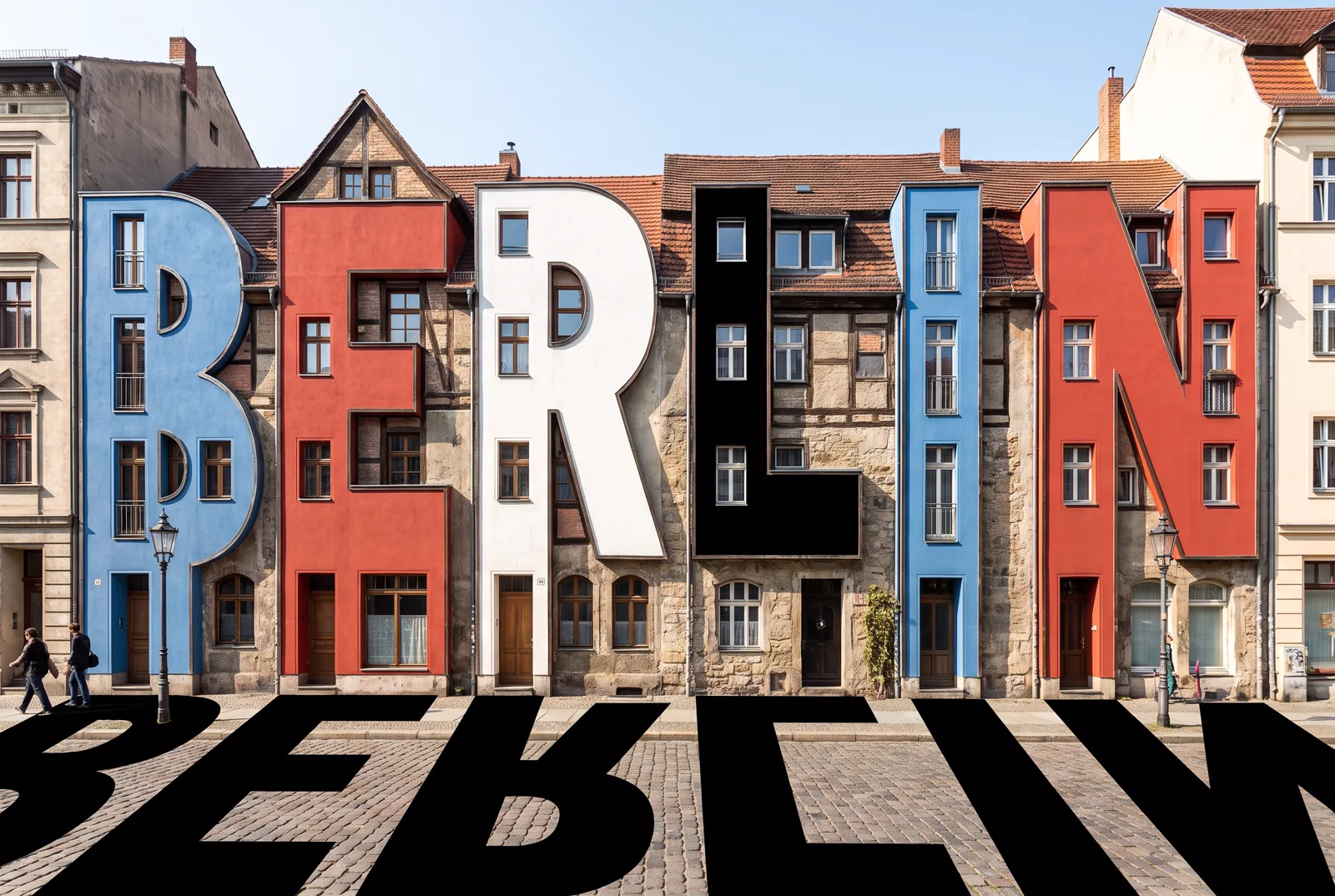 Nano Banana ProBest 4K images, near-perfect textfrom $0.049EGP 2.62 per image
 Seedream 5 ProConsistent people, logical scenesfrom $0.043EGP 2.30 per image
GPT Image 2.5 Flare and 50+ other top models on one balance. Every render is a free preview. Pay nothing for the rest.